How do I change a price or discount in a product image?+
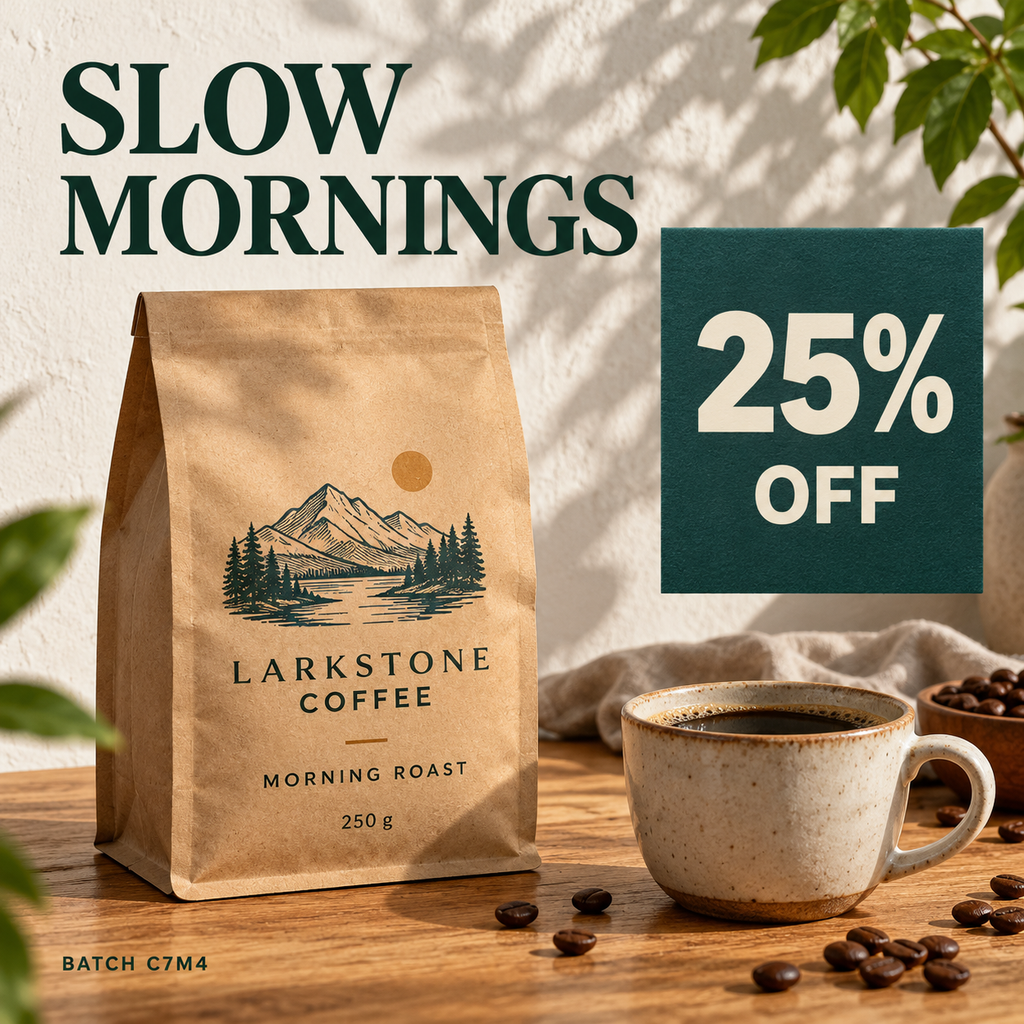
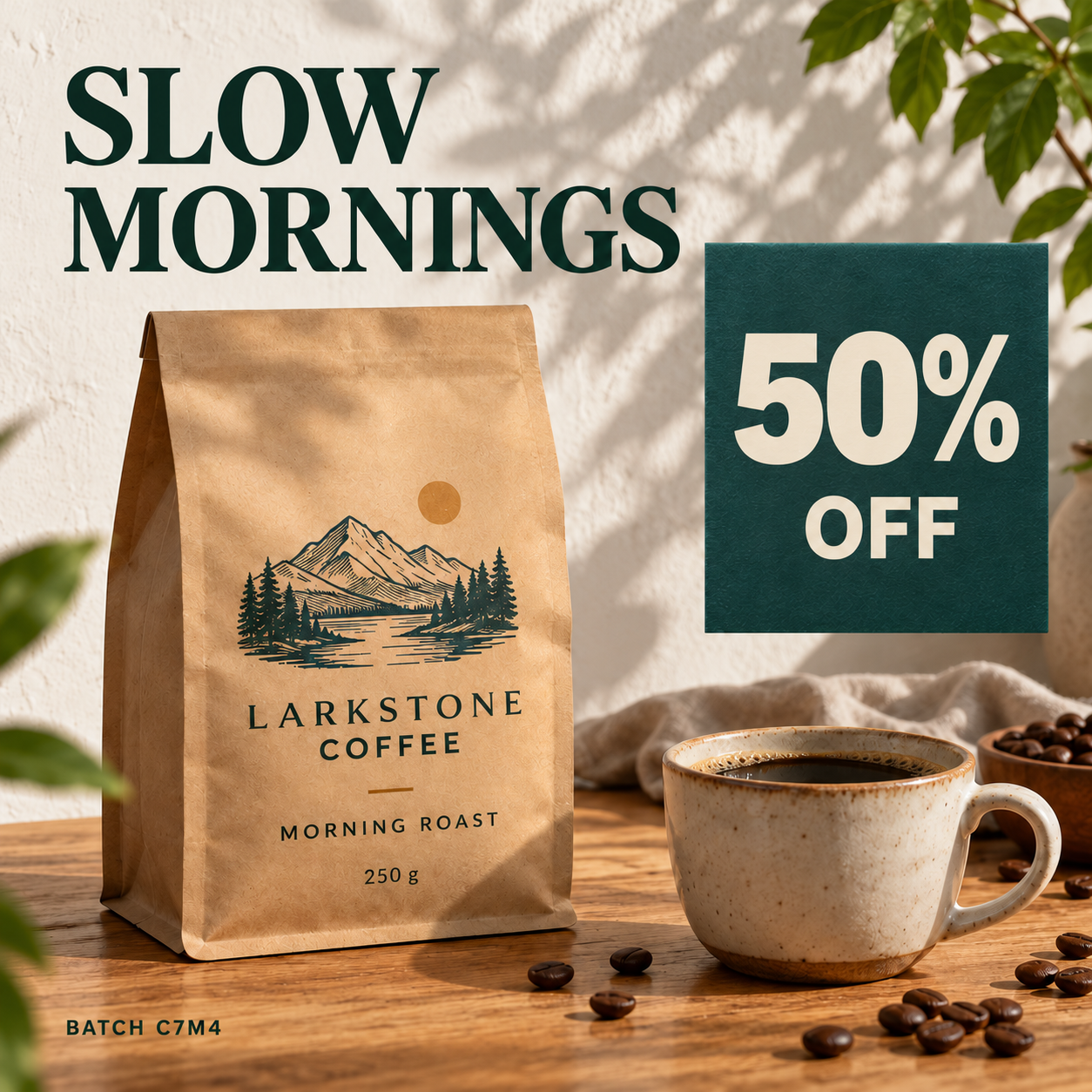
Upload the product photo or try the example. Select the amount, enter its replacement and apply the edit. Keep supporting words such as OFF outside the box unless you want to change them too.
Will the product photo and label style stay the same?+
The editor aims to match the original lettering, size, color and alignment. The photo outside your selections stays unchanged. Inside a selection, text and background are redrawn, so review packaging texture and fine print.
Can I update multiple prices or labels in one image?+
Yes. Add a change for each selected price or label, then submit them together. One successful image generation uses 1 credit; it is not charged separately for each selected area.
Can I translate product labels into another language?+
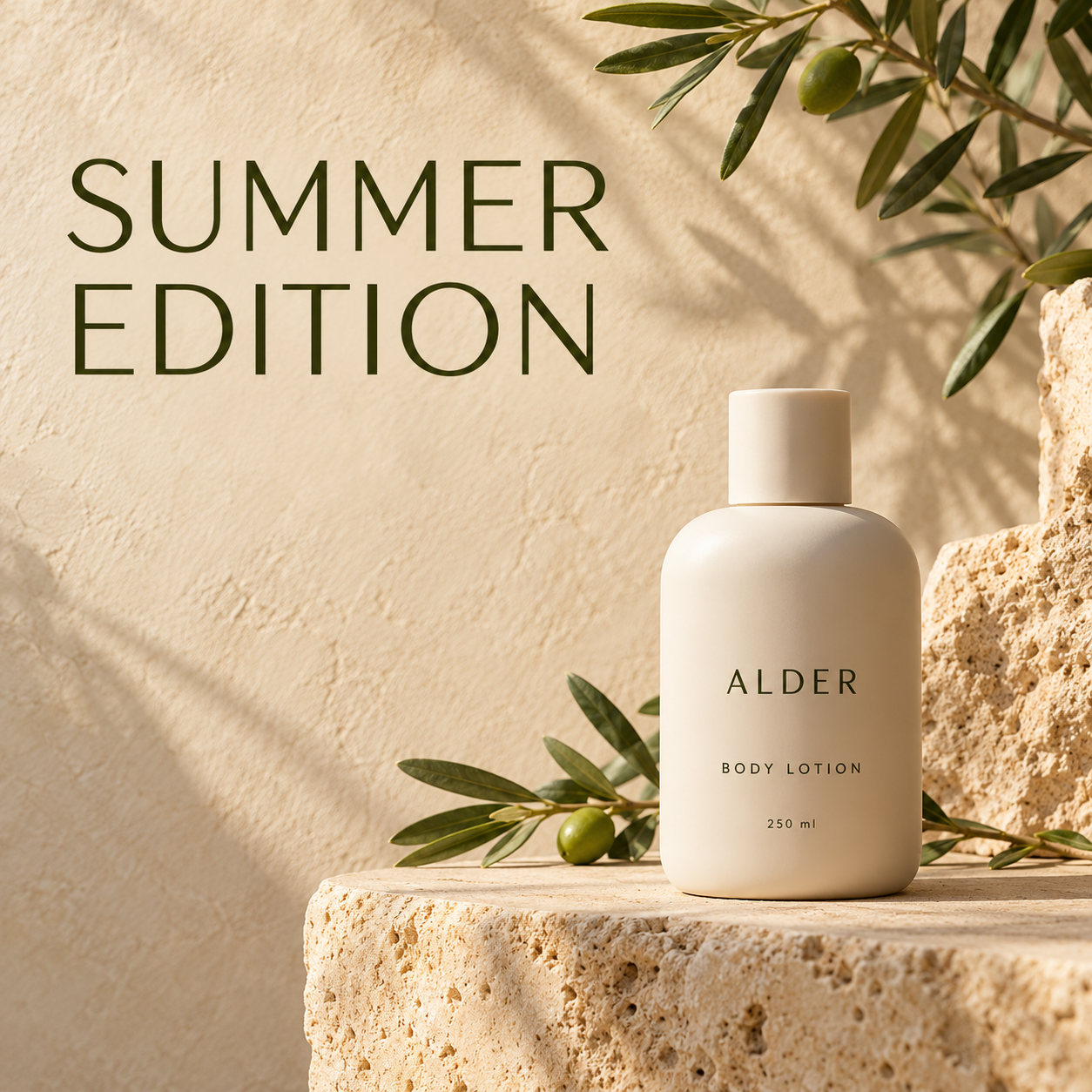
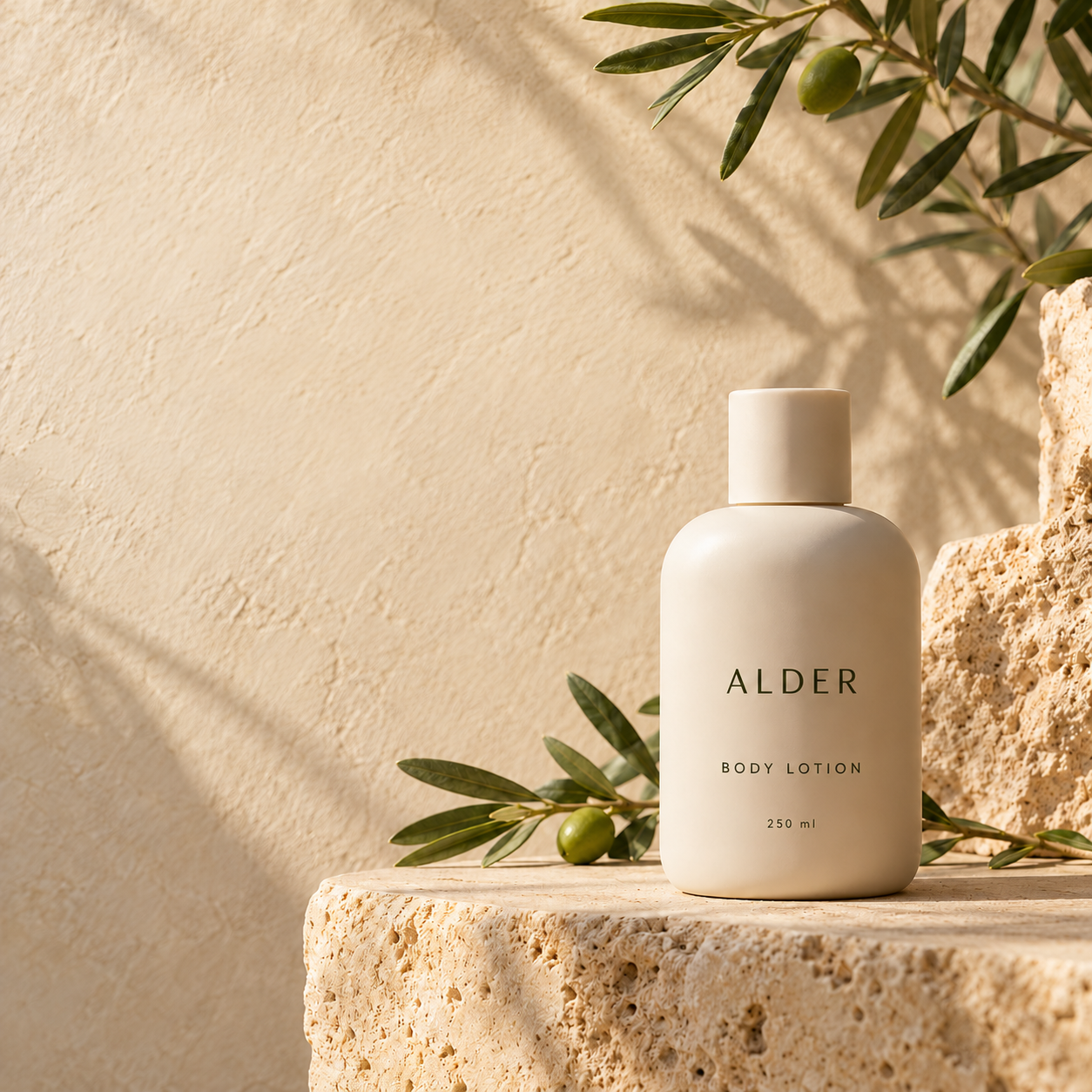
Yes. Switch to Translate, select the label and choose a language. Review or replace the suggested translation before applying it. Check product names, measurements and prices yourself.
What if a new product name or price needs more space?+
Expand the selection to include the full replacement, while keeping other labels outside it. Match the existing alignment and avoid covering nearby product details. Shorten the wording if there is not enough room.
Can I use edited product images in my store or ads?+
Yes, when you own the image or have the required permission for that use. Verify prices, claims, units and labels before publishing, and follow your marketplace or ad platform’s image requirements.
Which product images can I upload and download?+
Upload JPG, PNG or static WebP files up to 10 MB. Clear listing photos, labels and promotional graphics work best. Results download as PNG at the original dimensions, without an added watermark.
Can I try product image text editing for free?+
Start with 3 edits without signing in. Your first verified sign-in adds 3 more credits and keeps unused guest credits. The signup bonus is available once per mailbox, including aliases. Paid packs are one-time purchases, not subscriptions.